

Profitap ProfiShark portable Ethernet TAPs for 10/100 Mbps, Gigabit and 1/10 Gbps traffic capture. Hardware timestamping, Wireshark analysis and GPS/PPS models. Compare the range and ask Garma for technical advice.
.svg)
Política de entrega (editar con el módulo de Información de seguridad y confianza para el cliente)
Capture network traffic and get the insight you need to troubleshoot communication issues.
Profitap’s ProfiShark range captures Ethernet packets for analysis with Wireshark and other packet analysis tools. The range covers 10/100 Mbps, Gigabit and 1/10 Gigabit networks, with GPS/PPS synchronization available on selected models.
At Garma Electrónica, we help you choose the right model for your link speed, connection type and troubleshooting needs.
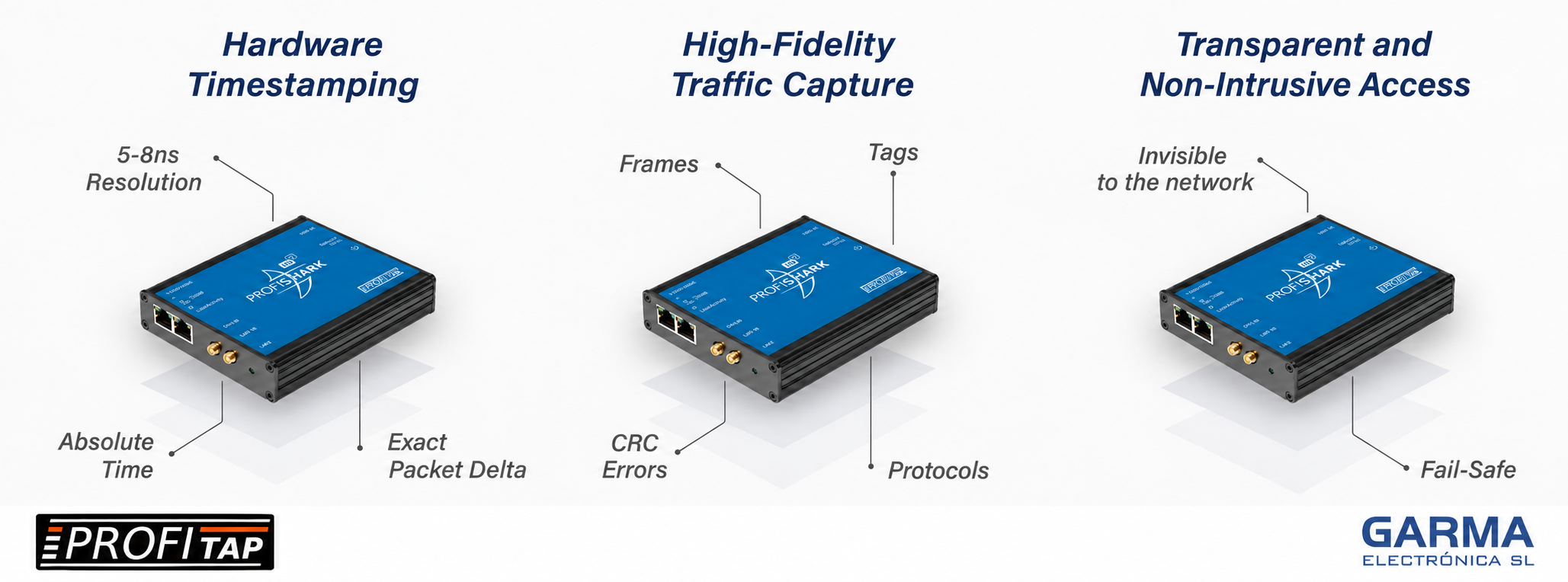
ProfiShark combines hardware timestamping, high-fidelity Ethernet traffic capture and transparent network access for packet analysis and troubleshooting of industrial IT/OT networks.
| Model | Link Speed | Network Interfaces | GPS/PPS | Advanced Hardware Filtering |
|---|---|---|---|---|
| ProfiShark 100M | 10/100 Mbps | 2 × RJ45 | — | — |
| ProfiShark 1G | 10/100/1000 Mbps | 2 × RJ45 | — | — |
| ProfiShark 1G+ | 10/100/1000 Mbps | 2 × RJ45 | Yes | — |
| ProfiShark 10G | 1/10 Gbps | 2 × SFP/SFP+ | — | Yes |
| ProfiShark 10G+ | 1/10 Gbps | 2 × SFP/SFP+ | Yes | Yes |
All models feature hardware timestamping. PoE passthrough is available on the RJ45 models. For ProfiShark 10G and 10G+, maintaining link continuity in the event of power loss requires the fiber TAP configuration specified by Profitap.
Capture on 10G links: Link speed is different from PC capture throughput: USB 3.0 output supports approximately 3.2 Gbps. Size filters, packet slicing and storage for the traffic load.
For 10/100 Mbps links, consider ProfiShark 100M. For 10/100/1000 Mbps links, choose 1G or 1G+. For 1/10 Gbps links using SFP/SFP+ modules, consider 10G or 10G+.
When you need to synchronize timestamps across captures taken at different locations. ProfiShark 1G+ and 10G+ provide GPS/PPS connections for this purpose.
Tell us the link speed, whether the connection uses copper or fiber, where you can capture the traffic, and whether you need a short capture or extended recording.
No software is installed on monitored PLCs, HMIs or other devices. Prepare the diagnostic computer with ProfiShark Manager and the required drivers.
You can collect packet traces to investigate intermittent faults, communication failures and unexpected behaviour in industrial Ethernet and IT/OT networks.
Yes. You can use Wireshark to examine the packets and share capture files with your technical team or the machine manufacturer.
That depends on the capture point. Installing a device in-line requires work on the link, so the connection should be planned. If a configured mirror port or an installed TAP is available, you may be able to use that existing access point.
Need help choosing?
Tell us about your network and the issue you need to investigate. Garma will help you select the right model.
You might also like